For organizers
Gather people, not a spreadsheet
An event page, guest sign-ups, QR tickets, check-in at the door and letters to the people who came. All inside «Meetco», with no third-party service, no password and no bill.
One click to sign in: there is no password to invent.

3
events
already published
221
guests
signed up at least once
12
organizers
run their own events
What is included
Everything running an event actually needs
Six things that usually take three separate services and one spreadsheet.
The event page
A cover, a description, the time in your own zone and the place on a map. The link arrives in a chat with a picture and a line saying when and where.
Sign-ups and tickets
A guest leaves a name and an address, and the ticket with its QR code goes out by email at once. For anyone who has been here before, the fields fill themselves in.
Check-in at the door
A QR scanner in the browser on a phone. Nothing to install, it opens from a link, and it works for any of your volunteers.
Approvals and the waiting list
Approve guests by hand when the evening is small. When a seat frees up, the next in the queue moves in by themselves.
Letters to guests
The confirmation with the ticket goes on its own. A separate letter can go to any audience: going, waiting, arrived. Anyone who unsubscribed is never touched.
The people base
Everyone who has ever signed up, in one list, with the history of what they came to. This is your asset - it exports to CSV and it stays with you.
How it works
An event comes together in three steps
From an empty page to a link you have sent out is a couple of minutes, all of it in a browser.
- Sign in with GoogleOne click, no password and no confirmation email.
- Fill in the eventThe form on the left, and on the right the page guests will see, as you type.
- Send the linkSign-ups, tickets and the door take care of themselves. What is left for you is meeting people.
Formats
What people run here
The same machinery suits an evening for twenty and a hall of three hundred.

Meetups and clubs
Regular gatherings around an interest: a standing audience and a base of your own.

Workshops and classes
A limited number of seats, approvals, and a waiting list for the ones that free up.
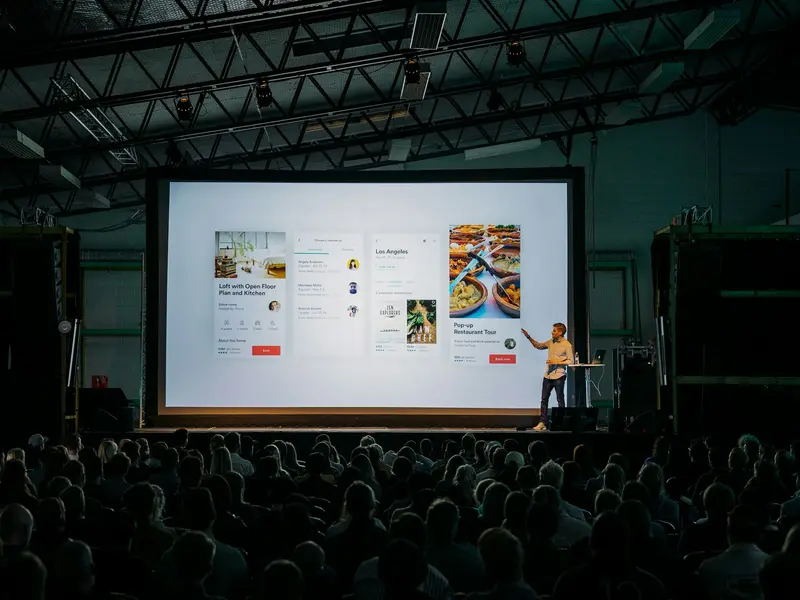
Talks and demo days
A large hall, a fast QR door, and a letter to everyone who stayed to the end.

Dinners and networking
The small format: you put the guest list together yourself and approve it by hand.
Why your own
Your own venue, not somebody else’s service
The list of people who come to your events is the one thing that accumulates over years. Here it sits in the community’s own database, and it does not go anywhere if somebody else’s service raises its price, closes the region, or simply closes.
| What is being compared | Here | Somebody else’s service |
|---|---|---|
| The guest list | Yours: it sits in the community database and exports to CSV | Lives in somebody else’s account, under their rules |
| Price | Free - nothing per event and nothing per guest | A plan that changes without you |
| Reach | Our own domain and our own server | Can close a region, or close payments |
| The name on the page | The community’s name and logo | The service’s brand in the footer of every letter |
Any questions left?
How to sign up and what to do with a ticket, how to cap the seats and approve requests, what to scan with at the door and how to write to people - taken step by step.
Run your first event
Creating one takes a couple of minutes, and the page can be edited after publishing.